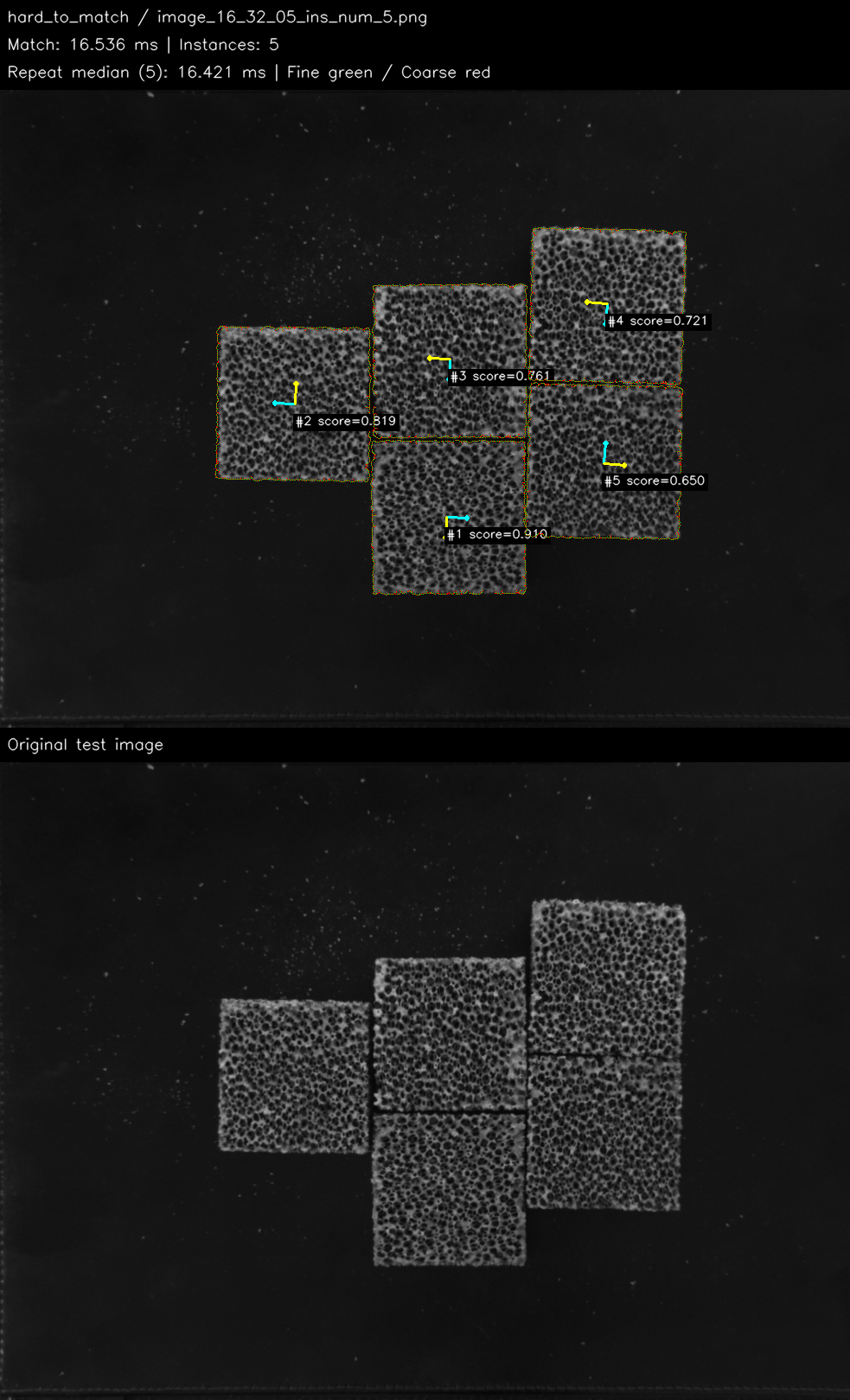
SHAPEMATCH · MACHINE VISION

See Every Match Clearly.

From template training to batch localization, ShapeMatch displays position, rotation, scale and match scores. Validate your visual matching workflow with real test images.

Download Demo and Test Data Explore Cases

Windows x64 · Demo and three test datasets

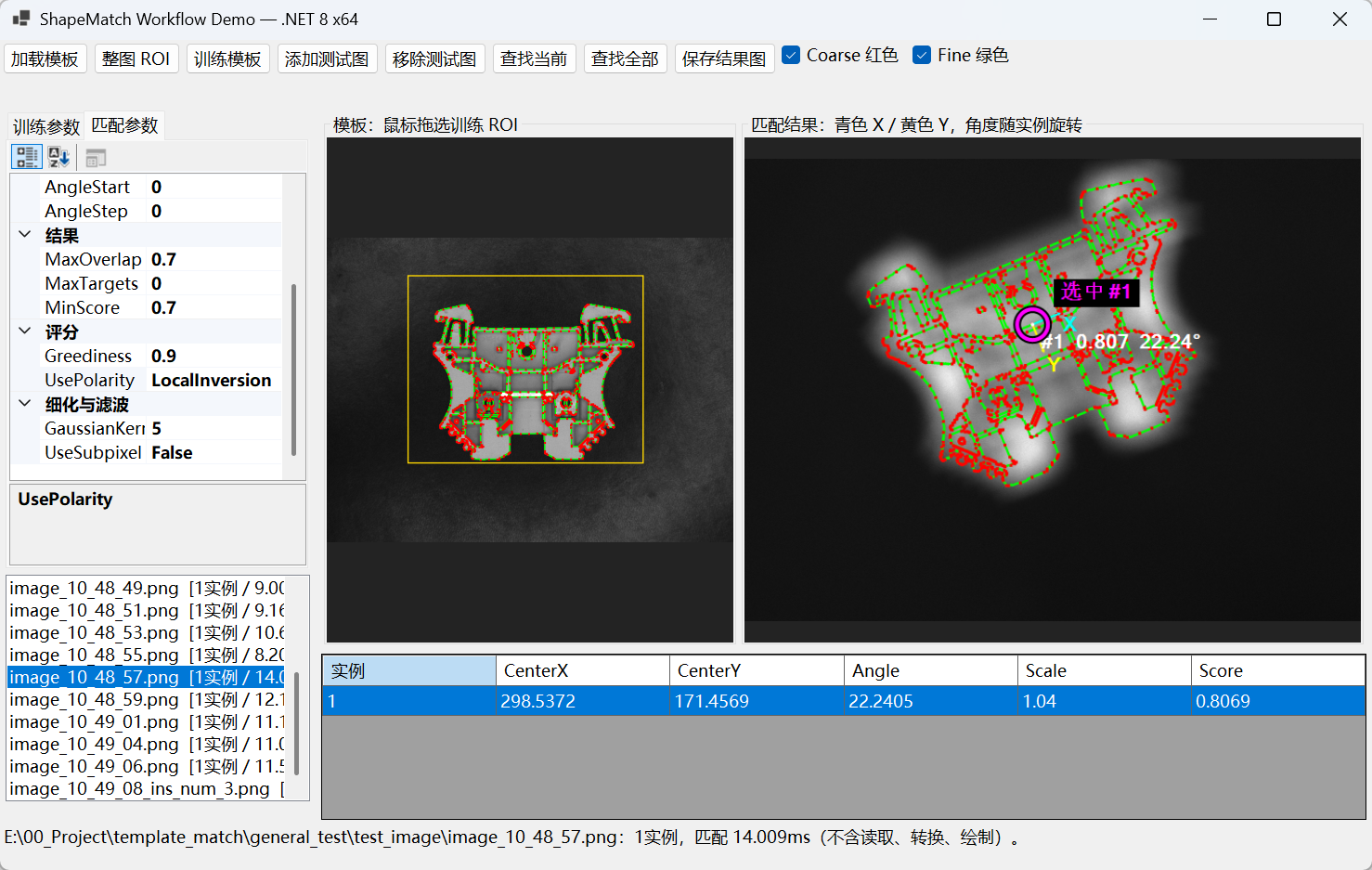
01 / Template Training and LocalizationSHAPEMATCH WORKSPACE
ShapeMatch matching workflow interface
Select a training region and inspect contours, target coordinates, angles and scores.
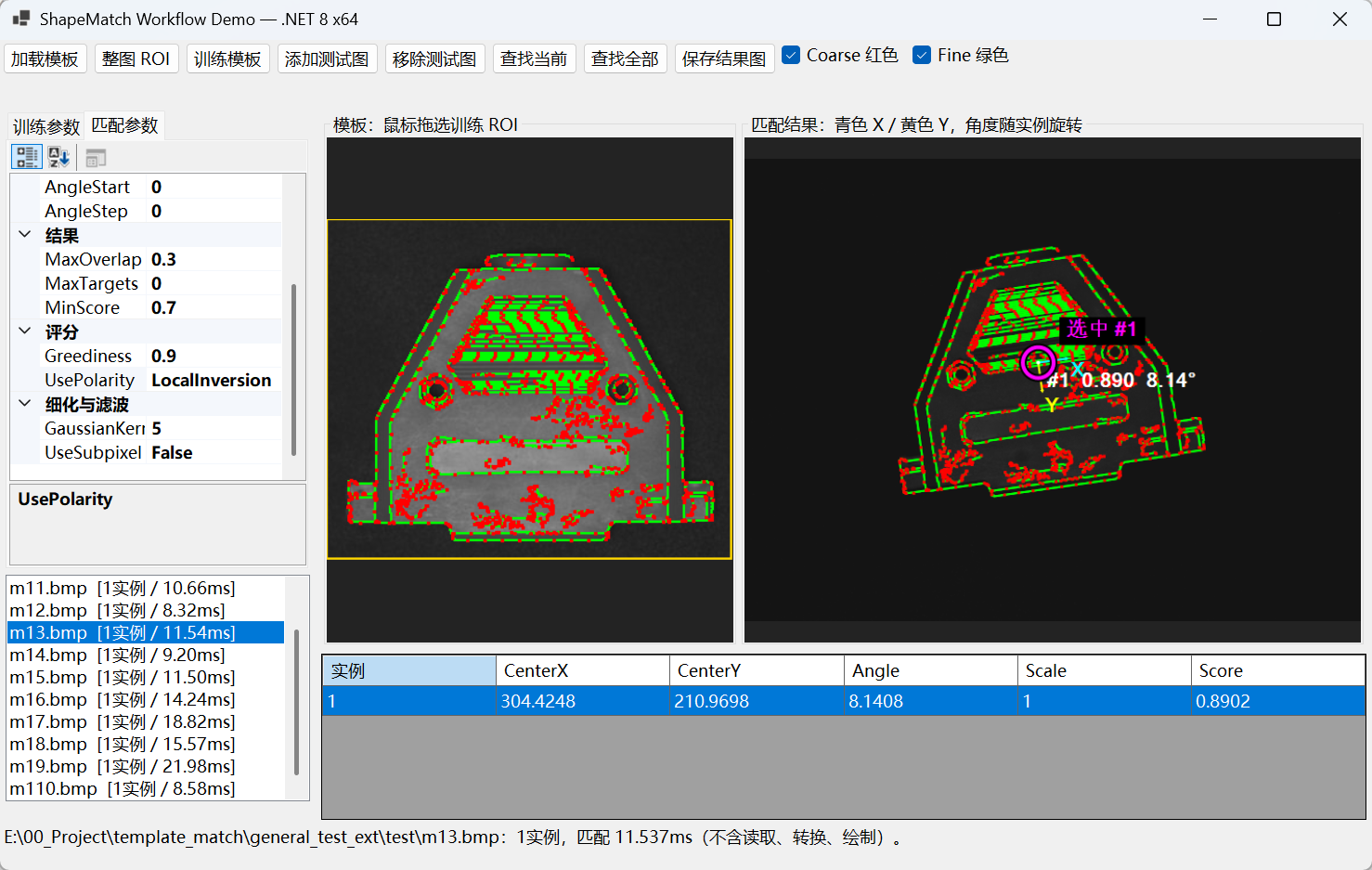
02 / Parameters and ResultsSHAPEMATCH WORKSPACE
ShapeMatch complex part matching interface
Adjust matching parameters and inspect localization results across different part images.
WORKFLOW

Visual Matching in Three Steps

Train templates, tune parameters and inspect results at every step.

01 /

Template Training

Load a template, select the training ROI, and inspect coarse and fine contours.

02 /

Matching Parameters

Set score thresholds, rotation, scale and overlap limits for different test images.

03 /

Inspect Results

Find targets in batches, inspect centers, angles, scales and scores, and save result images.

CASE STUDIES

Explore Matching on Real Images

Real test results · Open a case to browse every image

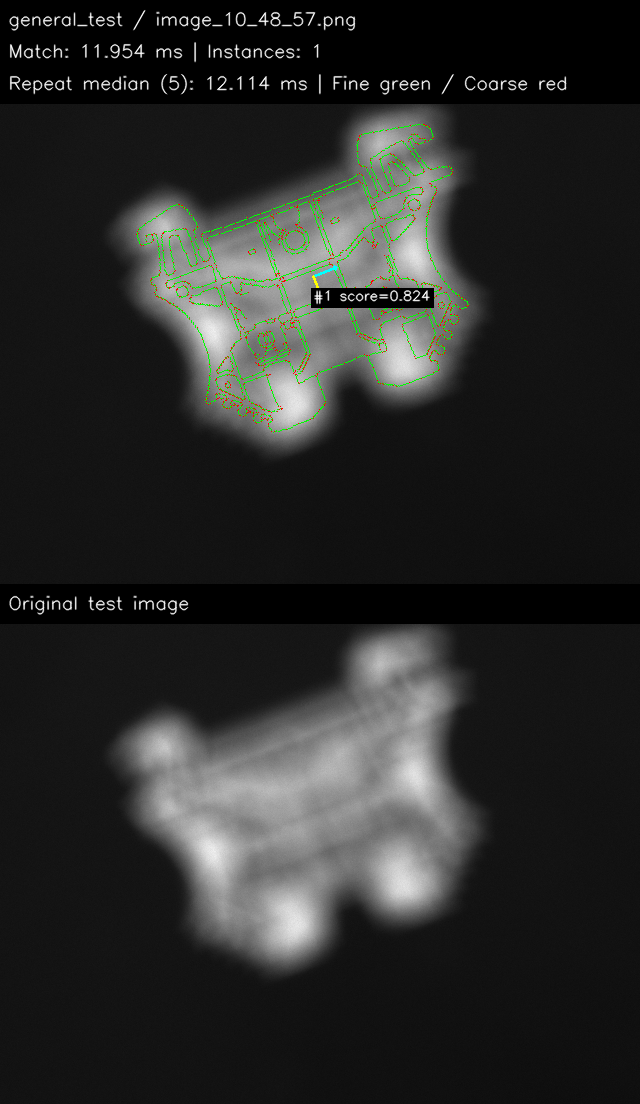
Annotated general shape matching results
Standard Localization

General Shape Matching

Browse all 17 images →

Target localization and rotation matching on standard test images.

17
Test Images
19
Target Instances

Correct target count: 17/17 images
Median time over repeated runs per image: 5.94–12.11 ms
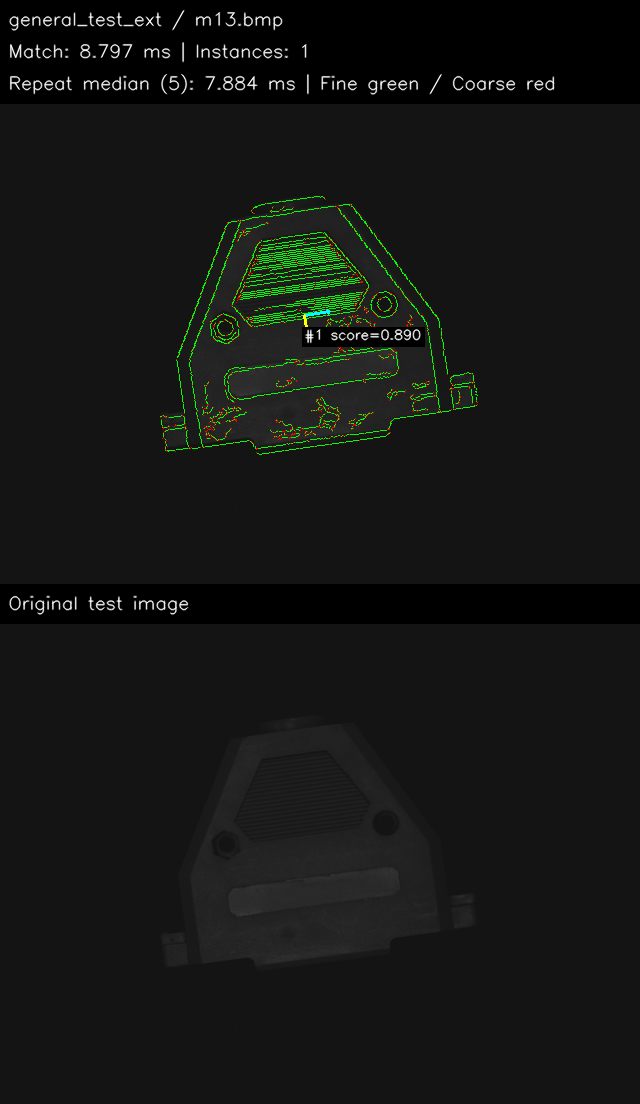
Annotated extended scenario matching results
Extended Tests

Extended Scenario Matching

Browse all 12 images →

Contour matching results on an additional set of part images.

12
Test Images
12
Target Instances

Correct target count: 12/12 images
Median time over repeated runs per image: 5.81–16.14 ms

GET STARTED

Bring Shape Matching to Your Workflow

Download the demo and test data to explore the shape matching workflow

ShapeMatch Demo

Windows x64 Demo · ZIP Archive

Download Demo

Minimum System Requirements

  • Operating system: Windows 10 or Windows 11, 64-bit.
  • Processor: x64 CPU with AVX2 support.
  • Setup: Fully extract the software package before running. No additional runtime installation is required.

Test Datasets

Test data for three matching projects · ZIP Archive

Download Test Datasets

Extract the download and use it with the demo to test matching.